Iqama Transfer (Naqal Kafala) Fees and Payment Procedures
Learn how to check and pay Iqama Transfer fees also known as Naqal Kafala or Tanazul in Saudi Arabia through Online Banking or ATM.
Iqama Transfer Fees and Payment Procedures
Are you planning to transfer your Iqama sponsorship in Saudi Arabia? If yes, then it’s important to understand the fees and payment procedures involved in the process. Iqama transfer, also known as Naqal Kafala or Tanazul, requires expat workers to pay a transfer fee before they can transfer their sponsorship from one employer to another. In this blog post, we’ll discuss the Naqal Kafala fees and payment procedures in detail. We’ll also cover what happens if the transfer is not completed and how to request a refund. So, let’s begin.
Tanazul Fees in Saudi Arabia
The fees for Iqama transfer vary depending on the number of times you’ve transferred your sponsorship. Here’s a breakdown of the fees:
- First time transfer: SAR 2,000
- Second time transfer: SAR 4,000
- Third time and every transfer thereafter: SAR 6,000
Also Read: How to Check Iqama Transfer Status Online
Who is responsible for paying tanazul fees? Employer or Employee?
In Saudi Arabia, the responsibility for paying the Naqal Kafala fees depends on the terms agreed upon between the employer and employee. Generally, the employer is responsible for paying the fees associated with Iqama transfer. However, in some cases, the employee may bear the cost of the transfer. It’s essential to review your employment contract to understand who is responsible for paying the fees before initiating the transfer process. If the employer is responsible for paying the fees, they should deposit the fee on the employee’s Iqama number before initiating the transfer process. If the employee is responsible for the fees, they must deposit the fee on their Iqama number before initiating the transfer process.
Checking and Paying the Naqal Kafala Fees
Checking and paying your Naqal Kafala fees for Iqama transfer is easy. You can now complete the process via online banking or at an ATM. Here’s how to check and pay your Naqal Kafala fees through Al Rajhi bank online banking:
Through Online Banking
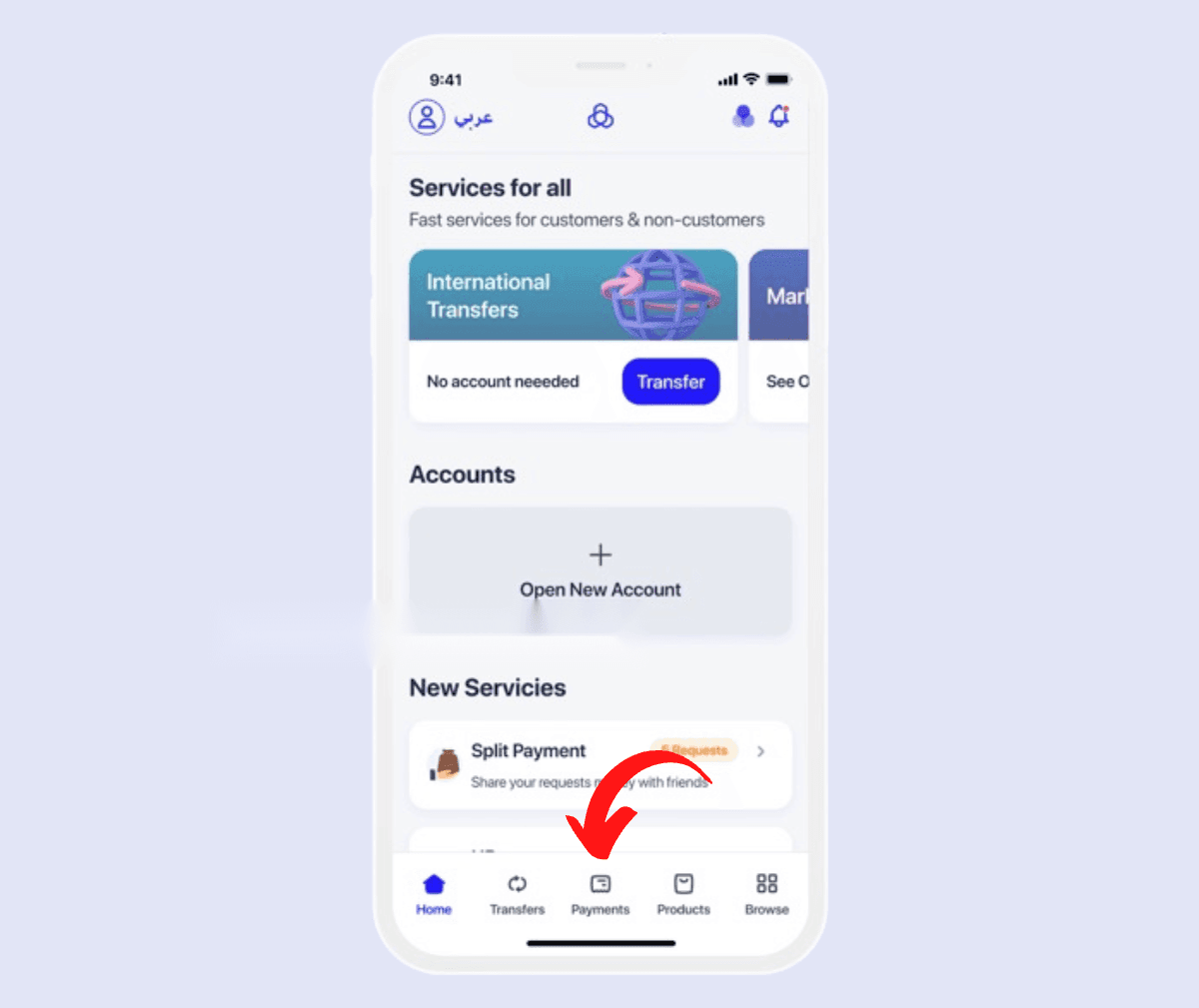
- First, log in to your Al Rajhi bank online banking account
- Click on the “Payments” option
- Select “Government Payments“
- Under the “Passports” section, select “Alien Control“
- Choose “Transfer of Service“
- Click on “Payment” and enter your Iqama Number, then click on “Next“
- Select your “Account Number” and click on “Next“
- On the next page, you will see the required amount you need to deposit in order to process your Iqama transfer.
- Click on the “Confirm” button and enter the secret code received on your mobile device to complete the payment.
Once the payment is completed, you’ll receive a confirmation message.
Through ATM
If you prefer to deposit your Naqal Kafala fees through an ATM, you can do so easily through any Saudi Bank ATM. Here’s how to deposit your Iqama transfer fees through an SNB ATM:
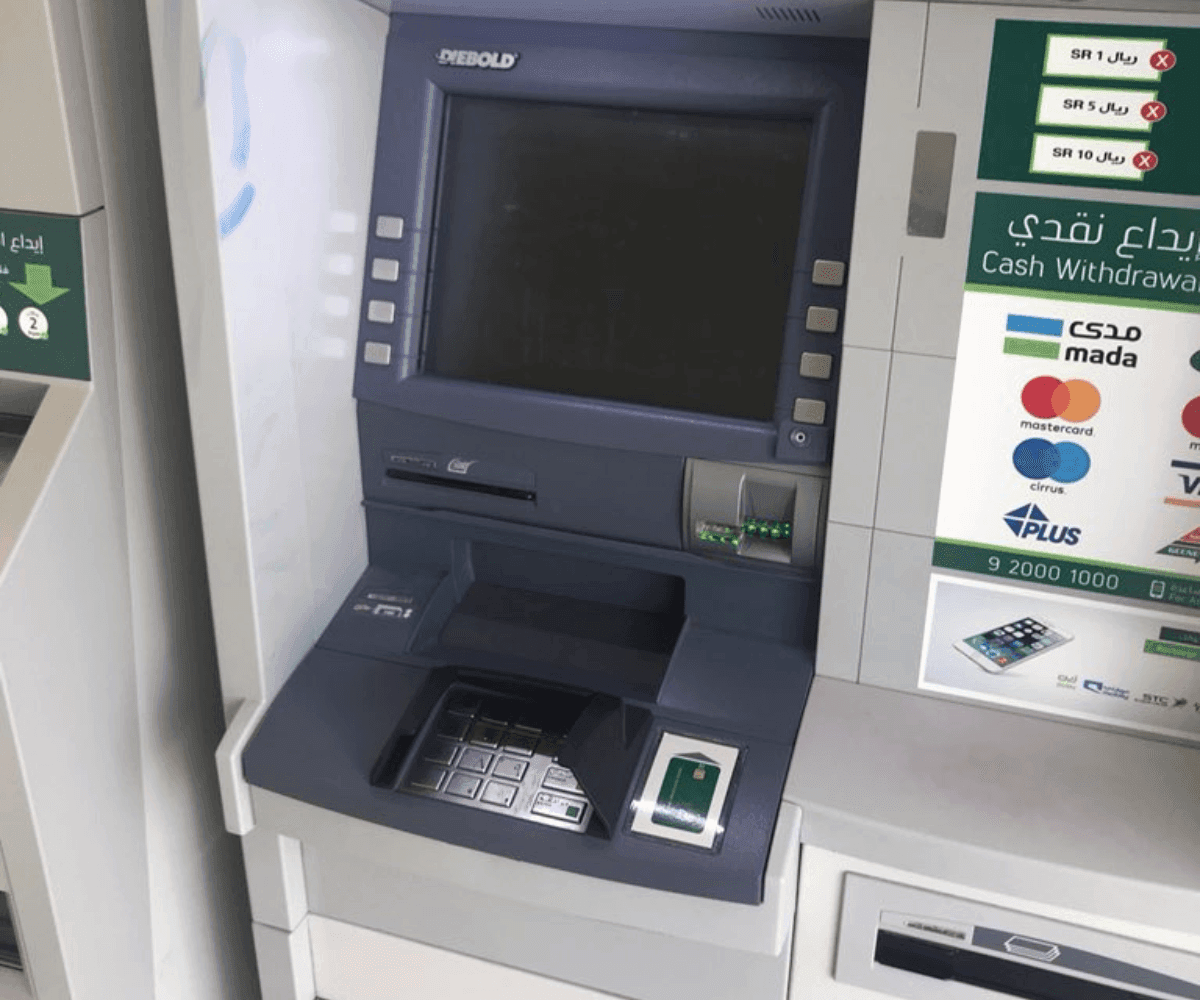
- First, go to the nearest SNB ATM.
- Insert your ATM Card.
- Enter your four-digit PIN code.
- Select “Yes” for the question, “Do you want a receipt for this session?”
- Choose the “Bills Payment” option
- Then select “New Bills“
- Select “MOI” from the list of services, then select “Alien Control“
- Choose “Transfer of Services“
- Select the “Pay” option (Choose “Refund” to request a refund)
- Enter your “Iqama Number“
- Next, you will see the required amount of payment for Naqal Kafala
- Click on “Pay Exact” to complete the payment.
- Lastly, collect the payment receipt.
Once the payment is completed, you’ll receive a confirmation message. By following these simple steps, you can easily deposit your Tanazul fees through ATM without any hassle.
How to Refund Naqal Kafala Fees
If, for some reason, your iqama transfer is not completed, and you need to withdraw the amount deposited for Naqal Kafala fees, you can easily request a refund. The process of refunding the Naqal Kafala fees is straightforward and simple. All the steps are the same as we explained earlier to deposit your fees. However, instead of selecting the “Payment” option, you will need to select the “Refund” option. Then, enter your Iqama number and confirm the refund. Upon confirmation, the refund will initiate to the same account you used to deposit the fees. By following these steps, you can easily request a refund of your Tanazul fees, should you need to do so.
Conclusion
To sum up, transferring iqama from one sponsor to another in Saudi Arabia involves payment of Naqal Kafala fees. These fees can be paid through online banking or ATMs. In case of non-completion of sponsorship transfer, the payee can request a refund of the Naqal Kafala fees. By following the simple steps outlined in this article, expat workers can complete the iqama transfer process smoothly and efficiently.
More in this guide
- Jawazat Clarifies the Conditions for Electronic Authorization through Absher. — Saudi Jawazat clarifies the conditions and services available under electronic authorization through the Absher platform
- Top-Selling Cars in Saudi Arabia in Q1 2026 — Toyota Yaris led Saudi Arabia’s best-selling cars in Q1 2026, while Toyota remained the Kingdom’s top car brand
- Saudi Arabia Raises BNPL Limit to SAR 10,000 — But Not Everyone Will Get It — Saudi Arabia has raised the maximum BNPL financing limit to SAR 10,000, but not every customer will qualify for the full amount
- How to Correct Your Name on Iqama: A Step-by-Step Guide — Learn how to easily correct or change your name on your Iqama with our step-by-step guide, whether the error is in Arabic or English
- How to Change Mobile Number in SNB AlAhli Bank — Here is How to Change your Registered Mobile Number with your SNB AlAhli Bank Account via SNB Self Service Kiosk or SNB ATM
- Iqama Red Green Check: Nitaqat Status 2026 — See what each color means in 2026