How to Check or Register National Address through Absher
Manage your National Address with Absher: A step-by-step guide to registering and checking your national address in Saudi Arabia.
Checking or Registering National Address on Absher
In Saudi Arabia, registering a national address is a necessity for numerous essential tasks. Whether you’re trying to open a bank account, renew your residence permit, or even obtain a SIM card, having a registered national address is inavoidable. Absher, a user-friendly government portal, is here to make the process smooth and efficient for you. This guide will walk you through how to both register and check your national address via Absher.
How to Register a New National Address through Absher
For those who haven’t registered their address yet, or wish to update their current address, here is a step-by-step guide:
- Begin by visiting the official Absher portal at https://absher.sa/.
- Choose “Individuals” followed by “English”.
- Sign in using your Absher username and password.
- From the main page, click on “My Services”.
- Choose “General Services” from the dropdown.
- Click on “National Address Services” from the presented options.
- On this page, if you’ve previously registered an address, it will be displayed. To register a new address, select the “Register new national address” option.
- Fill in the necessary details:
- Region, city, and district.
- Building number, zip code, and additional number.
- Indicate the ownership type (either Own or Rental).
- Specify the property type (either Villa or Flat).
- After filling out all the information, check the agreement boxes.
- Click on “Verify National Address”.
- A verification code will be sent to your registered mobile number. Enter this number when prompted.
- Finally, click on the “Confirm Address” button to finish the registration.
- A confirmation message will appear, stating, “The national address has been added successfully”.
Also Read: Absher Registration and Activation Steps
How to Check Your National Address through Absher
For those who have previously registered their national address and need to check or download proof of it, here’s what to do:
- Access the Absher portal.
- Visit the “National Address Services” as mentioned in the registration process.
- On this page, your registered national address will be prominently displayed.
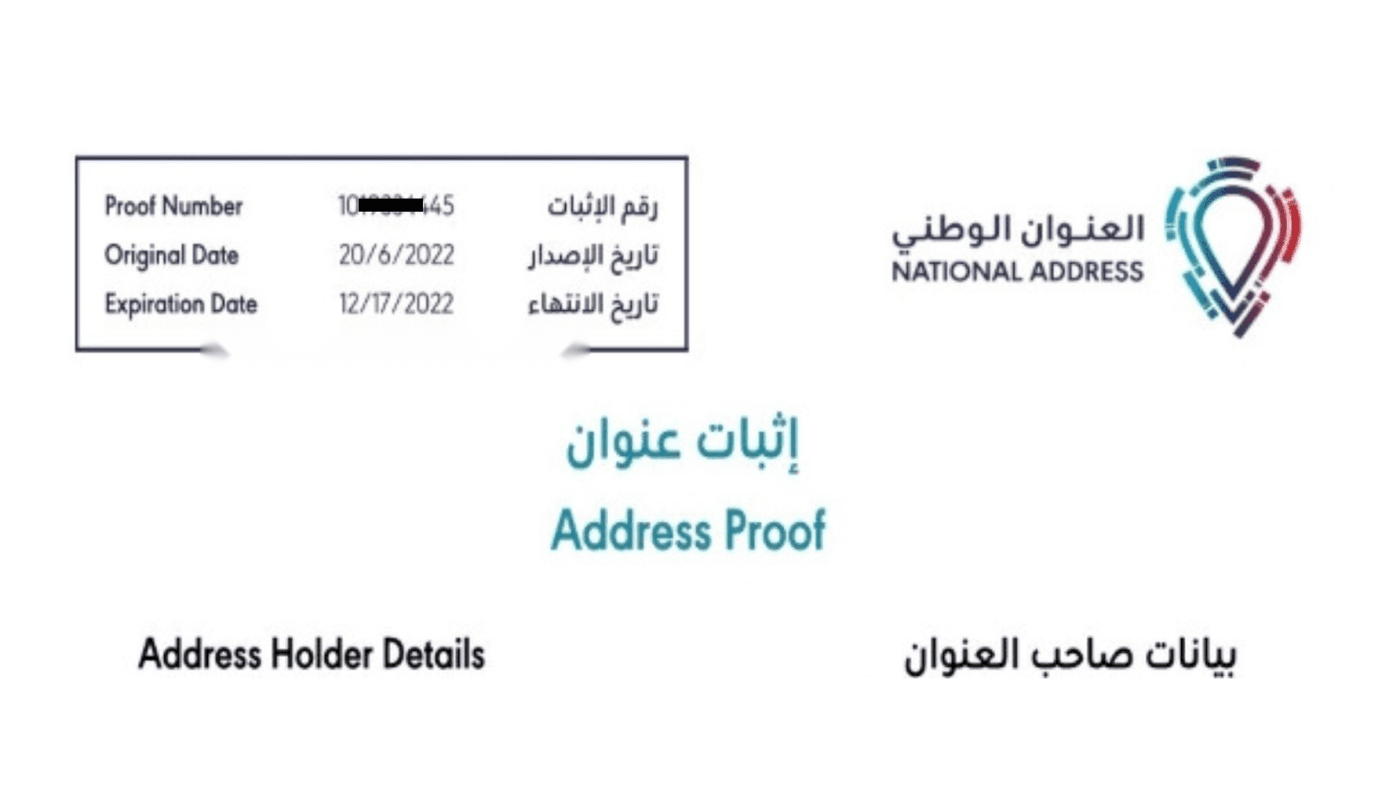
- If you wish to download your national address proof, simply select it and follow the prompted instructions.
Conclusion
The need for a registered national address in Saudi Arabia is very important, but with platforms like Absher and SPL, the process becomes straightforward and hassle-free. Whether you’re registering for the first time or simply checking your existing address, Absher offers a seamless experience. So, stay compliant and enjoy the convenience brought to you by modern technology!
More Articles:
- How to Get National Address Print through SPL Online
- National Address Becomes Mandatory for Health Insurance
- National Address Registration Now Mandatory for Bank Accounts
- How to Update National Address With Bank Accounts Online
More in this guide
- Jawazat clarifies procedure to renew expired final exit visa — Avoid penalties and ensure valid Iqama status
- Jawazat: Final Exit Visa Requires 30-Day Iqama Validity — Learn the key rules for issuing the visa
- Saudi Arabia Executes 4 Expats in Murder and Drug Smuggling Cases — Saudi Arabia executed four expats in separate murder and drug smuggling cases in Makkah and Asir
- Al Rajhi Mobile Registration: Your Complete Guide — Learn how to activate the app
- How to Register for Al Rajhi Phone Banking for the First Time — How to register in Al Rajhi phone banking and what is the Al Rajhi phone banking number and what are the features of this service
- Saudi Tourist Visa: Everything You Need to Know — Plan your trip now!