How to Message on WhatsApp Without Saving Numbers
Learn how to send WhatsApp messages without saving phone numbers. Follow our guide to simplify your task on both smartphones and computers.
WhatsApp is the top messaging app used worldwide. Usually, to chat with someone new, you’d save their number first. But, there’s an easy trick to message people without saving their numbers, usable on both smartphones and computers. Here’s a quick guide on how to do it.
How to Send WhatsApp Messages Without Saving Contacts
This method allows a simple URL trick that works on any web browser, whether you’re using a smartphone or a computer. Follow these steps to send a WhatsApp message without saving the contact:
- Open Your Web Browser: Start by opening any of a web browser on your device.
- Enter the WhatsApp URL: In the address bar of your browser, type in the following URL structure:
https://wa.me/phonenumber. Replacephonenumberwith the full phone number of the recipient, including the country code. It’s important to avoid any preceding ‘+’ or ’00’ from the country code. For example, if you wish to message Saudi mobile number, you would typehttps://wa.me/966552587230. - Navigate Through Your Browser: After entering the URL with the correct phone number, press enter or go to navigate through your browser.
- Initiate the Message: You’ll see a “Message” button appear on the web page. Click on this button to proceed.
- Start Chatting on WhatsApp: Clicking the “Message” button redirects you to the WhatsApp application, where a chat window with the entered phone number will open, ready for you to start the conversation.
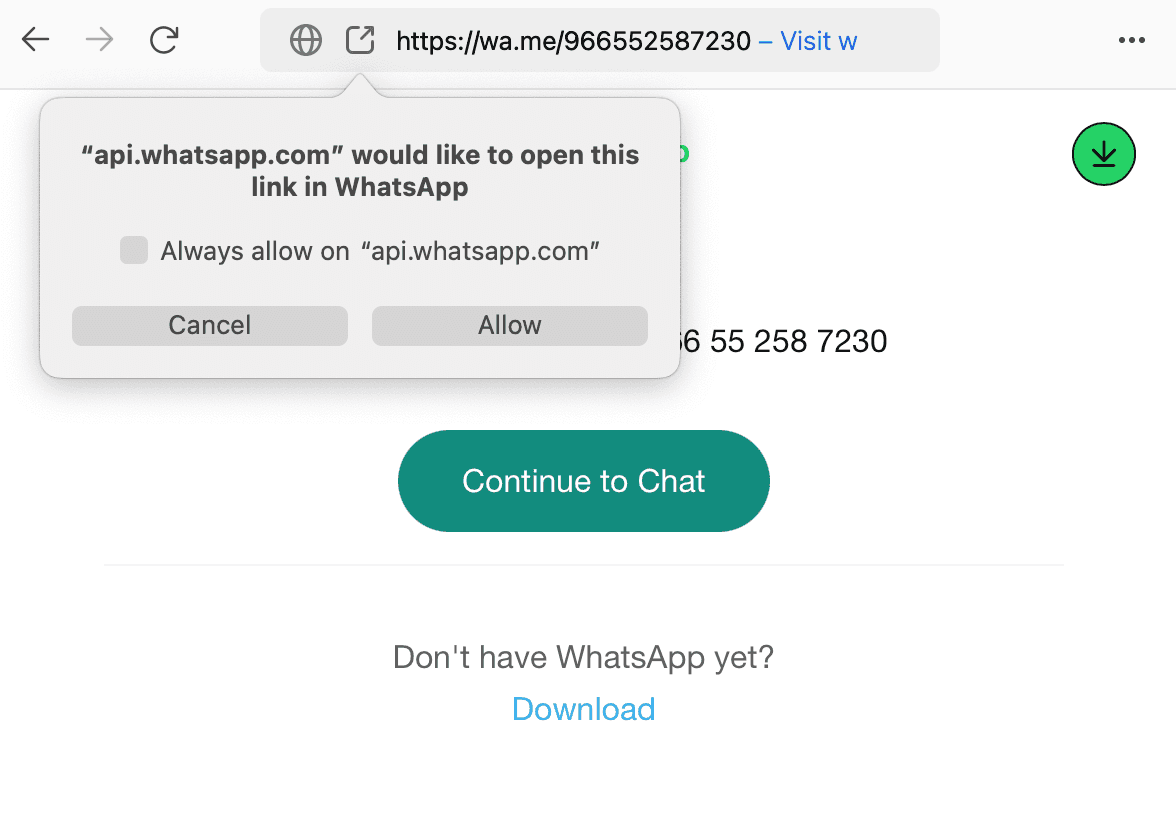
This method is not only simple but also respects your privacy by avoiding the need to save every new contact you wish to message on WhatsApp. It’s especially useful for those one-time or infrequent communications with people not part of your regular contact list. By following these simple steps, you can simplify your WhatsApp messaging experience, keeping your contact list tidy and your conversations flowing smoothly.
More in this guide
- How Can You Get a Local Number on Your International SIM in KSA — Get a local number on your international SIM in Saudi with STC's easy service, making your stay connected and hassle-free
- APN Settings Saudi Arabia: STC, Mobily, Zain, Virgin & Lebara — Get Saudi APN settings for STC, Mobily, Zain, Virgin, Lebara, Friendi and other mobile networks to fix internet access
- Home Internet in Saudi Arabia 2026: Fiber vs 5G Packages & Prices Compared — Fiber & 5G plans from STC, Mobily, Zain, Go & Salam
- How to Check How Many SIMs Are Linked to Your Iqama in 2026 — Learn how to check how many sim cards are registered on your Iqama number through the official Mutasilportal using your iqama number
- How to Check Your Saudi SIM Number Using USSD Codes — Find out how to retrieve your mobile number quickly
- How to Check Your Mobile SIM Number in Saudi Arabia — Learn how to quickly check your mobile SIM number in Saudi Arabia using USSD codes for all networks, including STC, Mobily, and Zain