How to Check Traffic Violations in Saudi Arabia
Learn how to check and pay traffic violations in Saudi Arabia using the Efaa platform, Absher portal, or mobile apps. Step-by-step guide included.
If you’re driving in Saudi Arabia, it’s important to keep an eye on your traffic violations to make sure they’re paid on time and to avoid any legal trouble. Thankfully, checking and paying your fines is straightforward and can be done online through platforms like Efaa, the Absher portal, or mobile apps such as Absher and Tawakkalna.
In this guide, we’ll show you two easy ways to check and settle your traffic fines quickly.
Method 1: Check via Efaa Platform
The Efaa platform is an official online service in Saudi Arabia that lets individuals and businesses view and pay various types of violations, including traffic fines.
Steps to check traffic violations on Efaa:
- Visit the Efaa website: https://efaa.sa
- Switch to English by selecting the “English” option at the top.
- Under Violation Inquiry, select Individual.
- Enter your Iqama Number or Border Number in the first field.
- In the second field, enter either your Date of Birth or Violation Number.
- Click Inquire to submit your request.
- You will receive an OTP (One-Time Password) on your registered mobile number. Enter it to continue.
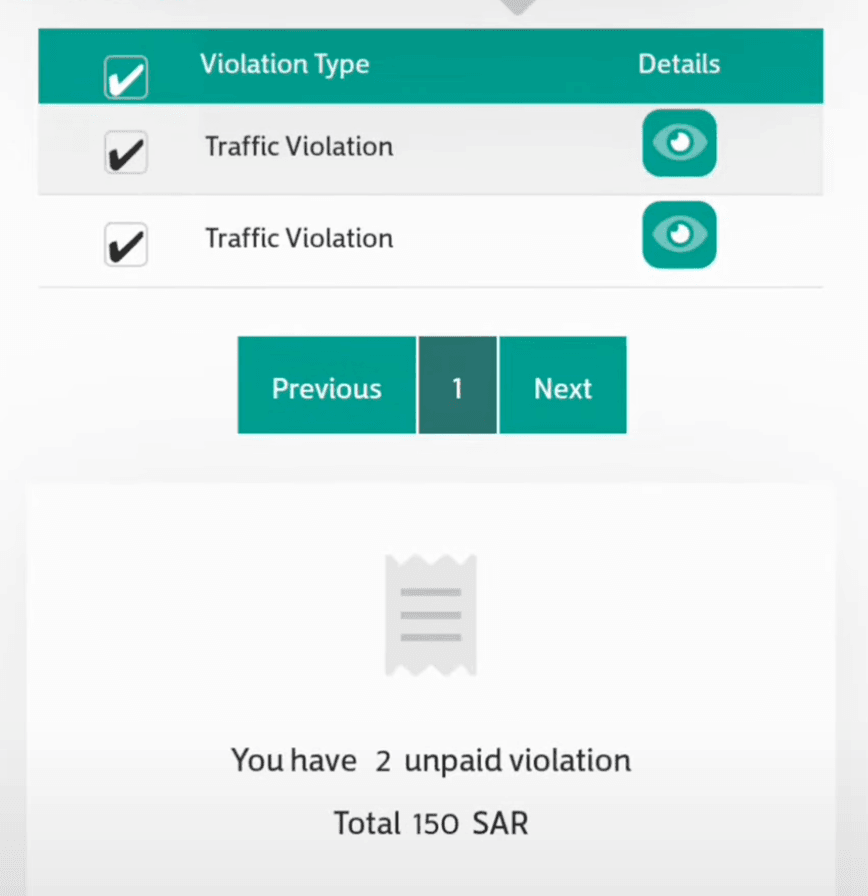
You will see a list of unpaid traffic violations linked to your Iqama number. By clicking on the detail on each violations, you get information including:
- Violation date and time
- Violation type
- Vehicle information
- Violation image (if available)
- Description of the offense
The platform also oprovides payment options to pay each violation separately or all at once using your Mada card or credit card.
Method 2: Check via Absher Portal
You can also check your traffic violations through the Absher platform without needing to log in for basic inquiries.
Steps to check on Absher without logging in:
- Go to the Absher Traffic Violations Inquiry page.
- Enter your Iqama Number.
- Choose either Date of Birth or Violation Number and enter it.
- Click Next to view your unpaid violations.
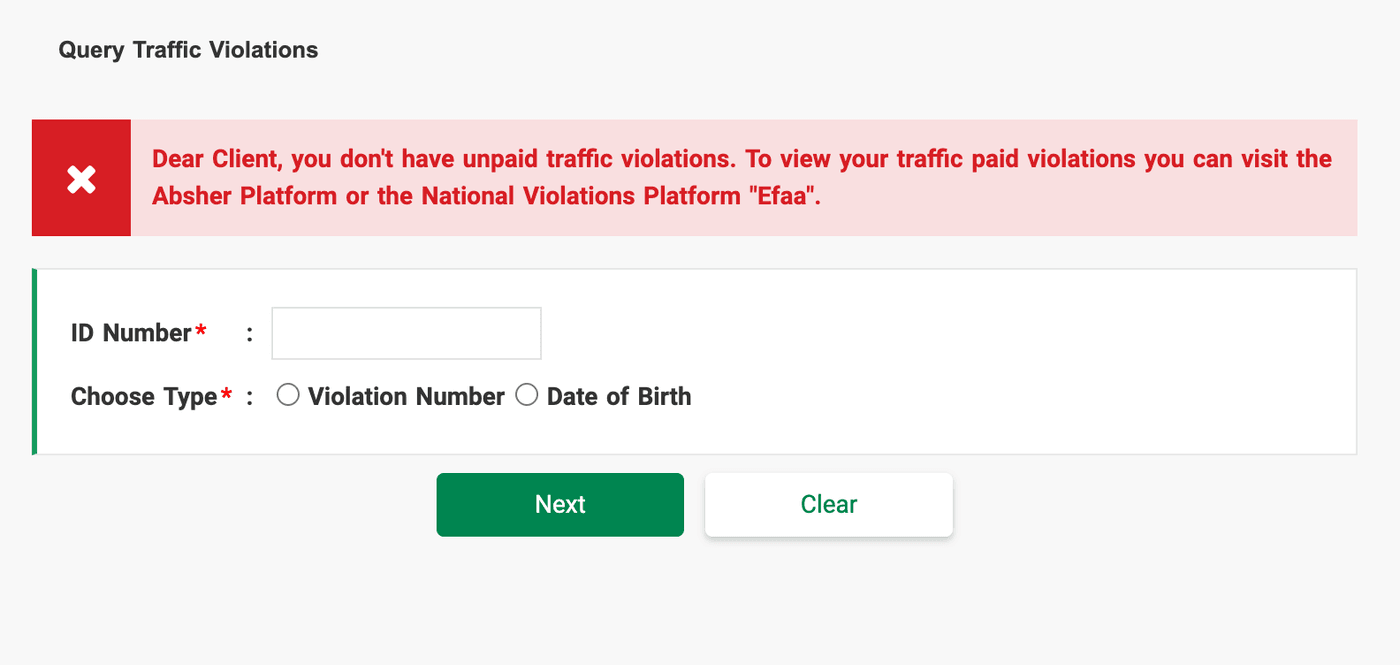
For detailed information:
If you need more details about a violation (such as images or full descriptions), you must log in to your Absher account:
Also Read:
5 Methods to Check Your Traffic Violation Number in Saudi Arabia
- Go to My Services > Services > Traffic > Query Traffic Violations.
- From here, you can view complete violation records, including payment options.
Other Ways to Check
Apart from Efaa and the Absher web portal, you can also view your traffic violations using:
- Absher mobile app (iOS and Android)
- Tawakkalna app (under Traffic Violation Services)
More in this guide
- See the Updated List of Absher Machine Locations — The following is a complete list of Absher machine locations in KSA
- How to Book a Jawazat Appointment Online in Saudi Arabia — Step-by-step guide to scheduling your visit for passport services
- How to Change Absher Mobile Number Using Nafath App — Learn how to update or update your Absher mobile number easily with the Nafath app in this quick step by step guide
- Hajj 2026 Registration Open for Saudi Citizens & Residents — Packages open from 15 Ramadan
- 3 Ways to Update Your Mobile Number in Absher — Learn the latest ways to change your Absher mobile number using the Absher app, Nafath app, or an Absher Self-Service Kiosk in Saudi Arabia
- How to Easily Refund Unused Iqama Funds — Learn how to quickly refund your unused Iqama funds for absher services through ATM, internet, or mobile banking