Ejar Rental Guide: Registering, Accepting, and Downloading Contracts
Learn how to easily register, accept, and manage your rental contracts with Ejar in Saudi Arabia. This guide simplifies the Ejar process
If you’re renting in Saudi Arabia, registering with Ejar is your first step. It’s a simple way to manage all your rental agreements online. In this article we will go through the Ejar rental contract registration, acceptance, and other key procedures.
Registering with Ejar
To start with Ejar, everything kicks off when a landlord wants to rent their place. They’ll need your Iqama and phone number to set up a rental contract on Ejar and will pay SAR 250 to do this. Once that’s done, you’ll get a text message from Ejar, and that’s how you know you’re ready to go on their system.
Now its your turn, to proceed with any contract-related actions, you’ll need to register as a tenant with Ejar platform. Here’s how to get started:
- Wait for a text from Ejar: You’ll get an SMS with a special link just for you.
- Click on the link in the SMS: This takes you to where you can start your signup process.
- Choose a username and password: You’ll need these to log into Ejar later.
- Type in your Iqama Number: Make sure you enter this number correctly.
- Enter the verification codes: You’ll get these from Ejar and MOI. They’re to make sure it’s really you.
- Finish up: Once you’ve done all the steps, you’re all set up with Ejar.
By completing these steps, you’re ready to use Ejar for anything related to your rental contract
Accepting an Ejar Rental Contract
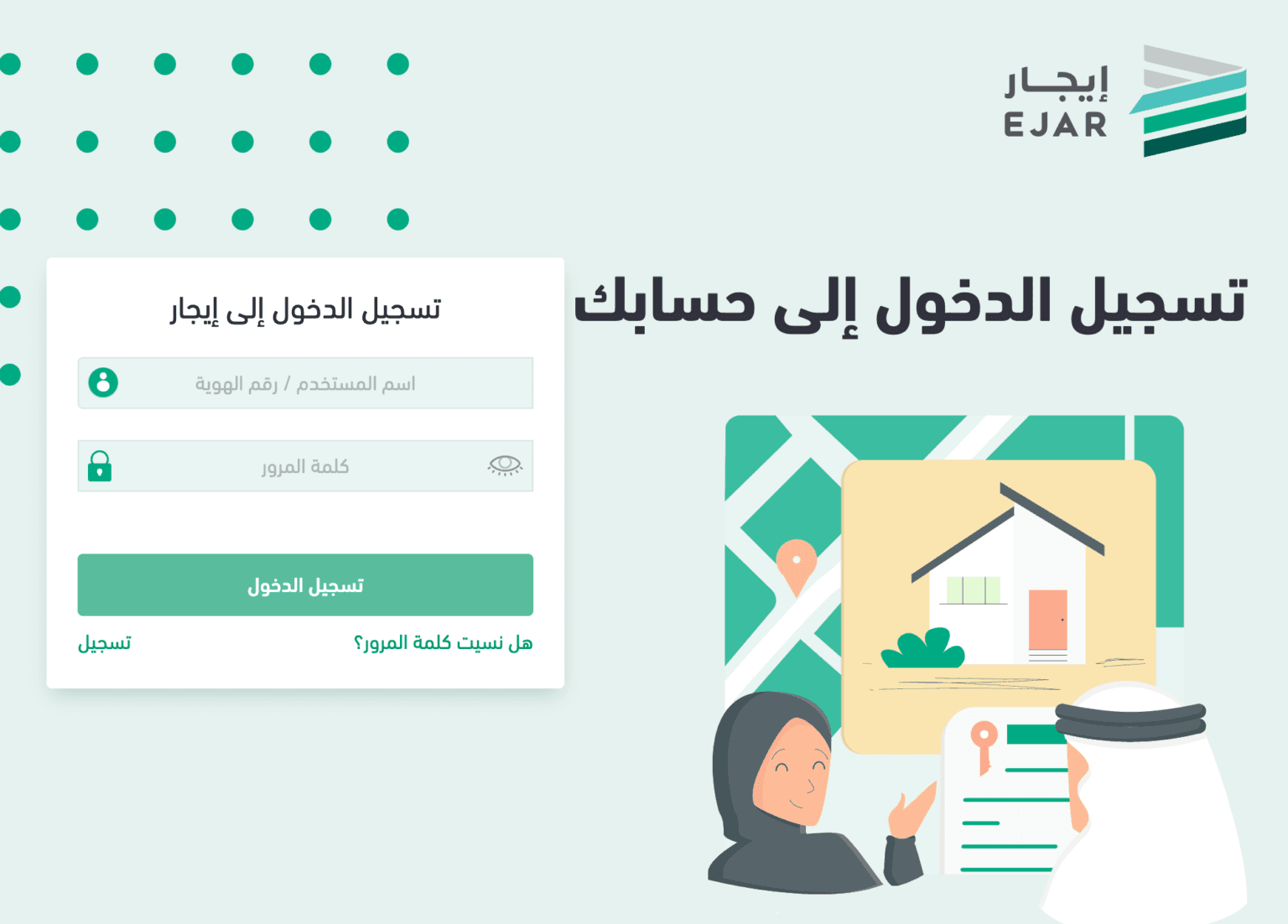
To accept a rental contract on Ejar, here are the steps you can follow in simple terms:
- First, log into your Ejar account: Just enter your login details to get into your account.
- Click on the “Contracts” tab: You’ll see this tab after you log in. It shows you all the contracts you can look at.
- Look at all contracts: This lets you see every contract that’s waiting for you to check out.
- Find your new contract: Search for the latest contract that you need to agree to.
- Read your contract carefully: There’s an option to open and read your contract. Make sure to go through it well.
- Check important parts of the contract: Pay extra attention to:
- How much rent you need to pay
- When and how you need to pay the rent
- Any special rules or conditions just for you
- Say yes to the contract: If you’re happy with everything in the contract:
- Go ahead and agree to it using the Ejar system.
By following these easy steps, you make sure you understand your rental agreement well and agree to it knowing all the details
Related: How to Cancel Ejar Contract Online
Downloading Your Ejar Contract
To get a copy of your rental agreement from the Ejar website for keeping records or future use, here’s what you do in simple steps:
- First, log into your Ejar account: Enter your username and password to access your account.
- Click on the “Contracts” tab: This is where you find all your contracts.
- Select your active contract: Look for the contract you are currently using or interested in.
- Download your contract: There’s an option to download. Click on it to save a copy of your contract.
- Keep your contract safe: Now you have your contract on your computer or phone, so you don’t need to keep a paper copy.
These steps make sure you always have a copy of your rental agreement handy, without needing to keep lots of papers around
Fines for Non-compliance
Not following Ejar’s rules can result in hefty fines. If landlords don’t sign up with Ejar, they could be fined SAR 25,000. Property agents might lose their license for a year if they don’t follow the rules. Also, landlords who don’t upload their contracts on Ejar platform could get a SAR 1,000 fine.
In conclusion, Ejar is more than just for making rental agreements; it’s a full system built to make renting better for everyone, ensuring it’s fair, clear, and efficient in Saudi Arabia’s housing market. No matter if you’re renting out your place or looking for one to rent, getting to know and using Ejar well can really make a difference in how smoothly things go in the Kingdom.
More in this guide
- 12 Easy Ways to Save Money on Flight Tickets — Save money on your next trip with simple, expert-backed tips to find cheaper flight tickets, compare fares, and book smarter
- 50/50 Car Lease Program in Saudi Arabia: Benefits, Eligibility, and More — Discover the 50/50 car lease program in Saudi Arabia, a hassle-free way to own a car with no monthly payments and flexible financing options
- Saudi Arabia launches "Quddum" platform for arrival registration — Saudi Arabia launches a new platform "Quddum Platform" for international travellers to register health data related to COVID-19
- Absher now allows domestic workers to opt for a new employer — The Absher platform recently added a new feature that enables domestic workers to accept or reject requests for sponsorship transfer
- Jeddah Airport Terminals: Which Airlines Operate Where? — Discover which airlines operate at Jeddah King Abdulaziz International Airport’s North, Terminal 1, and Hajj and Umrah Terminals
- How to Apply for a Credit Card in Saudi Arabia: A Step-By-Step Guide — Explore eligibility criteria, necessary documents..etc